

PackM
Custom packaging startup
Customer support.
With a shopping cart.
I designed PackM around the questions people need answered before they can buy custom packaging.

Launch sooner. Learn from customers.
When I joined, the product had not launched. Development was split across four teams, with Magento and CloudLab at the center of the build. I paused that effort, consolidated development into one team, and put a temporary website in front of customers.
We could start sending paid traffic to the site and learning from real questions. That feedback shaped what we built next.
The conversation belonged to the item.
My earlier work in print commerce had shown me how much help customers need before checkout. A logo might not be ready to print. A material or finish might need explaining. Choosing a product was only part of getting the order ready.
I brought prepress—the team that prepares artwork for print—into the buying experience from the product page. The same conversation continued through the design editor, cart, checkout, and customer account. Each item carried its artwork, files, and messages with it.
Customers and prepress could work on the issue in front of them without finding the item and its files again at every stage.
PackMOne item. Its artwork. Its conversation.- Product
- Editor
- Cart
- Checkout
- Account
Your packaging
Artwork & files

Conversation
- Ask prepress
- Share files
- Resolve details
Help stays with this item.
Brown paper should look like brown paper.
The existing editor accepted artwork but didn’t reflect the selected material. A brown-paper product could still look white in the preview.
I built a blending mechanism that combined the artwork with a texture of the chosen paper. The same design could be shown on white, premium white, or brown paper, making the material choice visible before ordering.
Material ignored
Material reflected
Bring the tools to the work.
Prepress needed files, previews, logos, fonts, and brand information that lived in different places. I brought them into one workspace, including colors, fonts, and assets extracted from the customer’s website.
Then I put tools where the team needed them. They could select a raster logo, start vectorization with one click, and download the vector file from that workspace. The request, its context, and the tools to act on it were together.

Raster file
Vector file
Configure the configurators.
PackM began as a reseller. Vendors made the products, so their specifications had to become choices customers could understand and rules the business could manage.
I built the product-management system behind the configurators: materials, finishing, turnaround, visualization, pricing, and vendor costs. Shipping calculations also accounted for volume, weight, taxes, and reseller status.
- Vendor specificationsMaterials, sizes, print methods
- Product rulesWhat’s allowed and how it’s calculated
- Customer choicesPreview, price, turnaround, shipping
Orders became the portfolio.
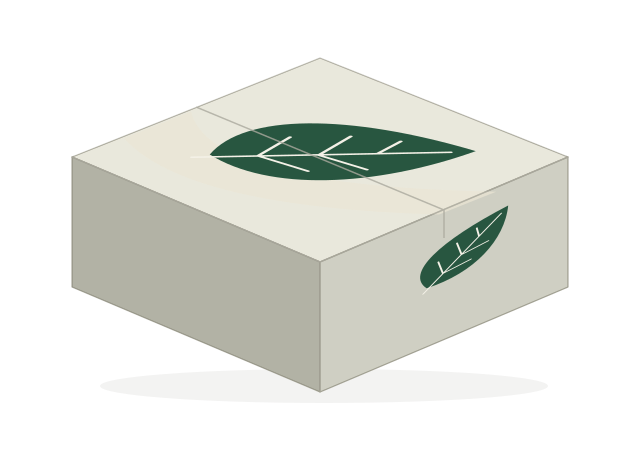
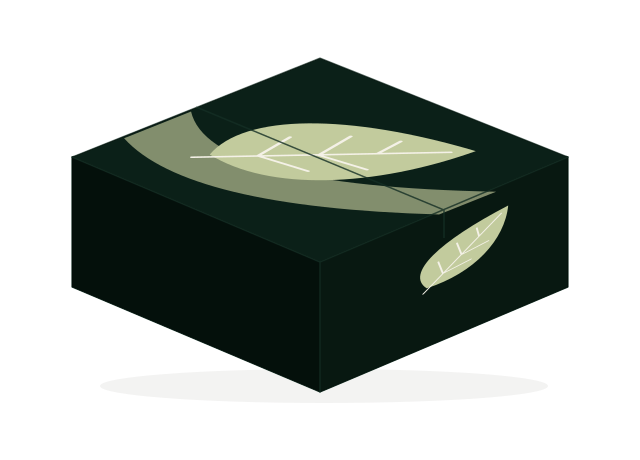
A new website needed examples of what customers were actually making. I built a public gallery of 3D packaging models from customer orders, with credit and links to the businesses’ websites and Instagram accounts.
Prospective customers had concrete examples to explore. The businesses behind the packaging got recognition, too.
Built around the work.
I started the custom product from a blank page in Bubble and kept improving it through feedback from customers and the team. Later, Webflow became the public-facing layer, while Bubble held the calculator, cart, customer accounts, and backend.
The experience grew around what people needed to do: get help before ordering, keep context with the item, and prepare the artwork in the same workspace.
The public-facing website.
Calculator, cart, accounts, and backend.
Getting packaging ready to buy became part of buying it.
Pasha’s work as an employee at PackM, before this Sochnev case study. The visuals on this page explain the workflows; they are reconstructions rather than historical screenshots.
Hi, I am  Pasha Sochnev
What problem are you solving?
A few words are enough to get started.